Digital Safety Buying Guide
Best Password Managers for Older Adults and Families in 2026
A password manager is not just a vault. For families, it is a plan for account recovery, emergency access, and reducing the risky habit of reusing the same password everywhere.
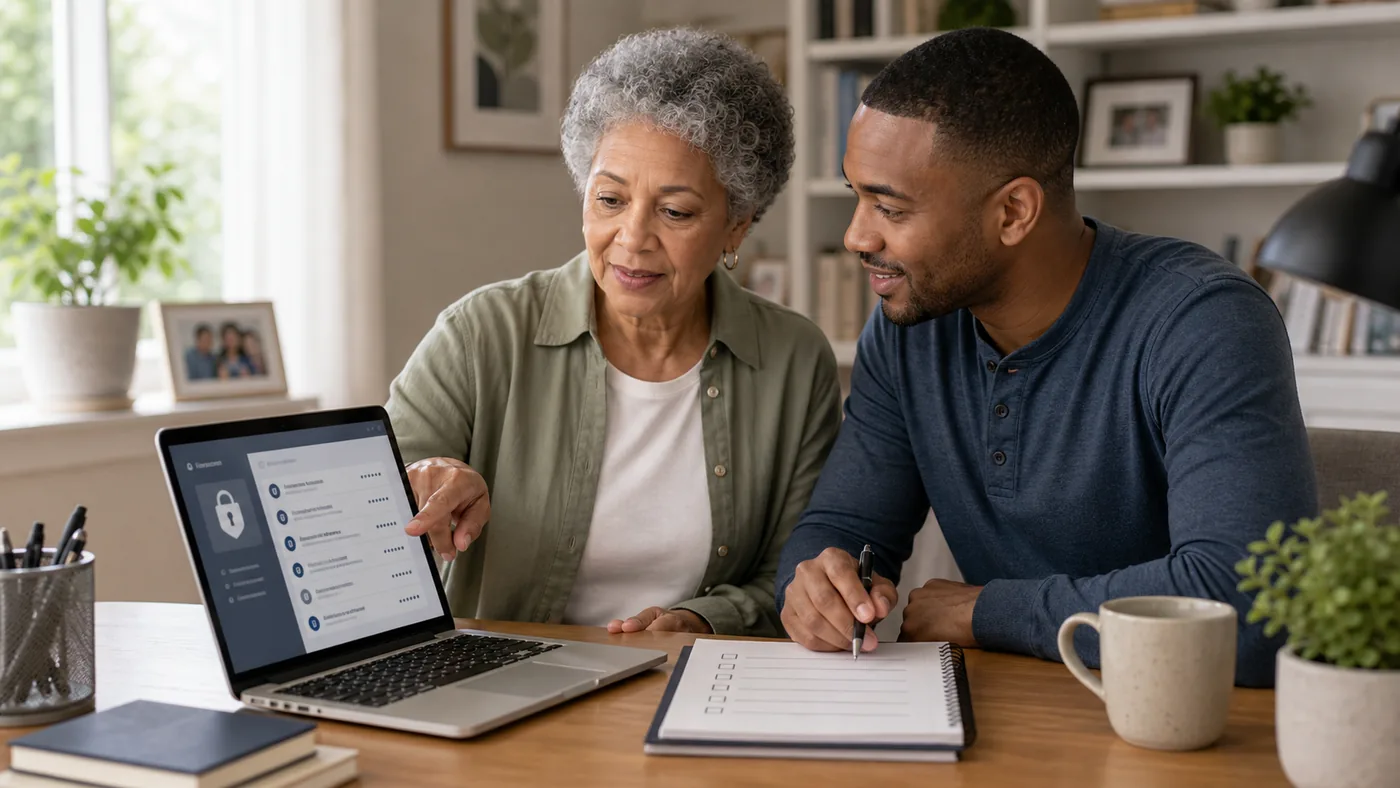
Choose a password manager only if the recovery plan is clear. A locked vault nobody can recover is not much better than a notebook nobody can find.
The safest setup is usually shared responsibility without shared chaos: one trusted helper, documented recovery, and multi-factor authentication for important accounts.
Password Manager Direction by Need
| Situation | Best direction | Why it helps | Check carefully |
|---|---|---|---|
| One user, many accounts | Simple individual password manager | Reduces reused passwords | Master password, recovery, device sync |
| Adult child helps parent | Family plan with shared records | Lets key accounts be shared safely | Permissions, emergency access, privacy |
| High scam risk | Password manager plus MFA | Protects email, banking, shopping, and phone carrier accounts | Lost phone recovery, authenticator backup |
| Low tech comfort | Hybrid vault plus printed recovery plan | Balances digital security with real-world access | Secure storage and update routine |
Password manager with recovery plan
The product matters less than whether the family can recover access safely after a lost phone or forgotten password.
Good fit when
- The user has many reused passwords.
- Email and bank accounts matter.
- A helper can assist setup.
Watch out for
Do not create a master password the user cannot remember or recover.
Shared family vault
Shared folders can help caregivers manage utilities, medical portals, subscriptions, and emergency accounts.
Good fit when
- One trusted helper is clearly assigned.
- Permissions are limited.
- Emergency access is documented.
Watch out for
Over-sharing every login can create privacy problems.
MFA on important accounts
Multi-factor authentication protects accounts even when a password is stolen.
Good fit when
- Email, bank, phone carrier, and shopping accounts are priorities.
- Backup codes are stored safely.
- The user understands approval prompts.
Watch out for
Confusing MFA prompts can lead to approval fatigue.
Setup Checklist
- Secure the email account first: it often resets everything else.
- Use MFA: especially for email, banking, phone carrier, and shopping accounts.
- Document recovery: backup codes and trusted helper access should be planned.
- Teach one habit: never give a password or code to a caller.
- Review quarterly: remove old accounts and update emergency access.
FAQ
Is a paper password book safer?
It can be safer than reused passwords if stored securely, but it is harder to update and share safely.
Should adult children know every password?
Not necessarily. Shared access should be limited to accounts where help is actually needed.
What account should be protected first?
Email, because it can reset many other accounts.
What is the easiest password manager for seniors?
iCloud Keychain for all-Apple households, because it is free and mostly invisible. Otherwise 1Password and Bitwarden both offer large text, simple autofill prompts, and family plans where an adult child manages recovery. The easiest manager is the one the designated family admin will actually maintain.
Can a password manager protect against scams?
It helps against one type: fake login pages. Autofill only engages on the real site domain, which blocks many phishing attempts automatically. It cannot stop a person from giving a scammer remote access or reading codes aloud, so pair it with conversations about unknown callers and screen-sharing requests.
What happens to passwords if the password manager company disappears?
Reputable managers export your data to a standard file you can move to another service, which is why you should print or securely store the recovery kit from day one. Your data is encrypted with your master password, not held in readable form by the company, so no one else inherits access.
2026 product decision layer
Real Products to Compare Before You Buy
These are comparison candidates, not affiliate picks. Recheck current price, plan terms, coverage, and return policy before adding any buying link.
| Candidate | Best fit | Why it belongs in the comparison | Watch before buying |
|---|---|---|---|
| 1Password Families | Families who want the best-engineered vault | Excellent autofill, emergency kit recovery, and family sharing of the few credentials everyone needs | Subscription; interface depth can overwhelm; designate one family admin |
| Bitwarden Families | Budget and open-source preference | Free tier is genuinely usable, families plan is cheap, and code is auditable | Interface is utilitarian; autofill slightly less polished on iOS |
| LastPass Families | Households already living in it | Mature family sharing and emergency access features | Past breach history makes some families look elsewhere; evaluate current posture |
| iCloud Keychain + Family Sharing | All-Apple households wanting zero new apps | Free, automatic, and invisible when it works; passwords sync across Apple devices only | Recovery depends on Apple ID discipline; Windows access awkward; no secure sharing granularity |
| Keeper or Dashlane | Users wanting premium support and polish | Strong security record, dark-web monitoring add-ons, and polished apps | Higher price; feature depth most seniors never touch |
Price and plan terms to recheck before linking
- The right manager is the one a designated family admin will actually maintain: features are secondary to that person’s comfort.
- Print the recovery kit and store it with essential documents; the most common failure is a lost master password, not a hack.
- Start by moving only five critical logins: email, bank, pharmacy, medical portal, and the phone account. The rest can follow slowly.
Best editorial recommendation
For most families, 1Password Families or Bitwarden Families hits the balance of price, polish, and recovery. All-Apple households can start free with iCloud Keychain.