Senior Tech Safety Guide
Best Fall Detection Watches and Wearables for Seniors in 2026
Fall detection wearables can be useful, but they are not magic. The real question is whether the device will be worn, charged, connected, and tied to a response plan.
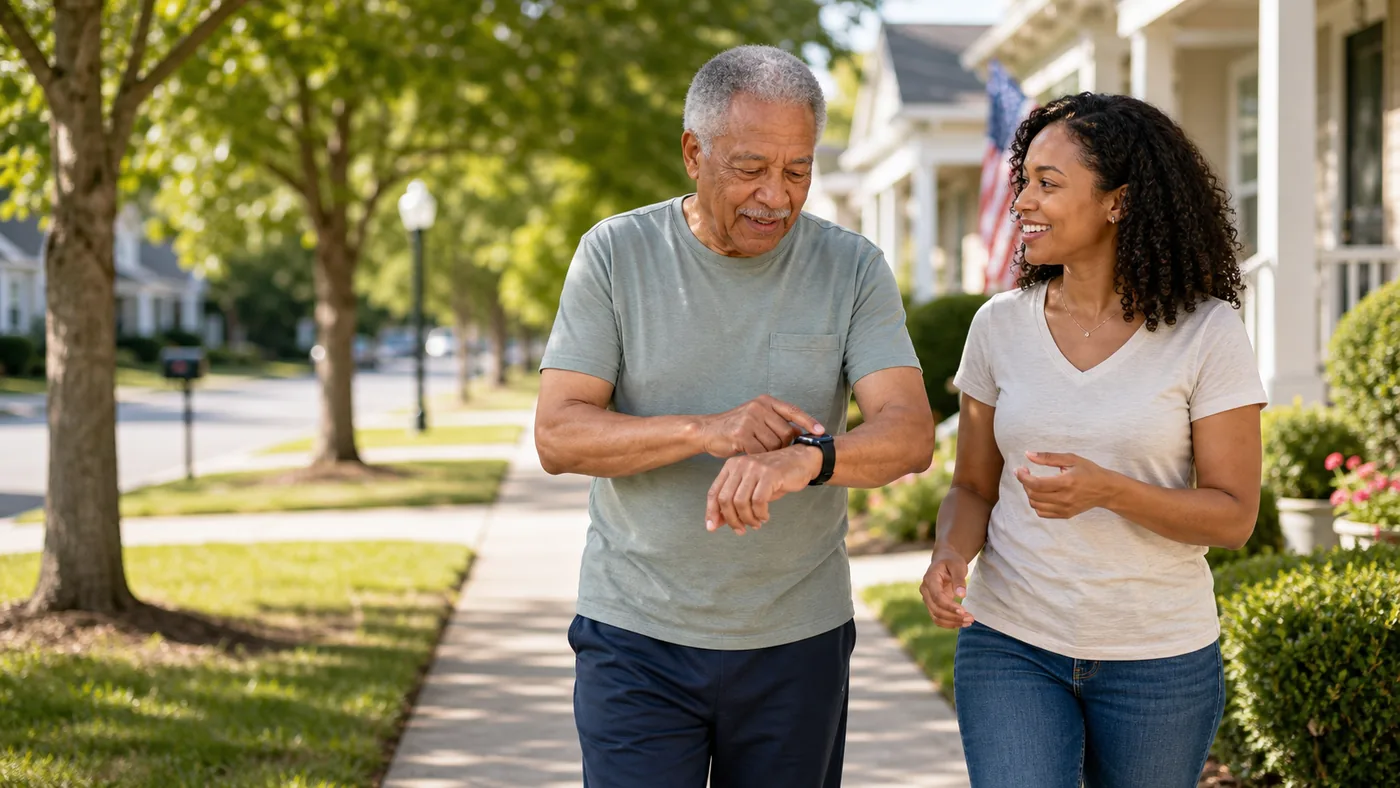
A fall detection watch is best for someone already willing to wear a watch every day. For someone who hates charging devices, a simpler medical alert pendant may be safer.
Fall detection may not detect every fall and may trigger false alarms. It should support, not replace, home safety upgrades and emergency planning.
Fall Detection Direction by User Type
| Situation | Best direction | Why it helps | Check carefully |
|---|---|---|---|
| Uses iPhone and likes watches | Apple Watch with Fall Detection | Strong ecosystem fit and familiar family support | Compatible iPhone, cellular needs, battery, emergency settings |
| Android household | Android-compatible smartwatch or alert wearable | Better phone compatibility for non-Apple families | Model support, emergency calling, subscription, setup burden |
| Does not want a smartwatch | Medical alert pendant with fall detection option | Simpler interaction and longer habit fit for some users | False alarms, monthly cost, wearing compliance |
| Memory or charging concerns | Caregiver-managed alert system | Reduces dependence on apps and watch settings | Consent, dignity, response workflow, missed wearing |
Apple Watch-style fall detection
A smartwatch can be a good fit when the user already accepts charging, notifications, and wearing a watch.
Good fit when
- The person uses an iPhone or has family who can manage one.
- Daily charging is realistic.
- Emergency contacts are configured and tested.
Watch out for
Check current model compatibility and whether cellular service is needed when the phone is not nearby.
Medical alert wearable
A pendant or wrist alert can be easier than a smartwatch when the goal is help access rather than apps.
Good fit when
- The user wants one obvious help button.
- Family values monitoring more than smartwatch features.
- The device will be worn in the bathroom and bedroom.
Watch out for
Fall detection add-ons can cost extra and still are not perfect.
Response workflow
The watch only starts the chain. The family must know who receives alerts and what happens next.
Good fit when
- The user lives alone.
- There is a fall history or fear of delayed help.
- Multiple contacts may need backup order.
Watch out for
Unanswered alerts are a system failure, not a device failure.
Buying Checklist
- Test the wearing habit: watch, pendant, and clip devices all fail if left on the charger.
- Confirm emergency setup: emergency contacts, location sharing, and calling permissions should be tested.
- Check cellular needs: some watches need the phone nearby unless cellular service is added.
- Ask about false alarms: the user should know how to cancel an accidental alert.
- Keep home safety in scope: bathroom support, lighting, and footwear still matter.
FAQ
Can a watch detect every fall?
No. Fall detection can miss events and can also trigger accidentally. It should be treated as one safety layer.
Is Apple Watch the best choice for every senior?
No. It is strongest for iPhone households where daily charging and setup help are realistic.
Do fall detection watches call 911 automatically?
Some can call emergency services under certain conditions, but setup, connectivity, region, and user response matter. Check the official device instructions.