Home Safety Buying Guide
Best Door Sensors for Aging in Place in 2026
A door sensor is useful only when an alert leads to the right action. Otherwise it is just another notification.
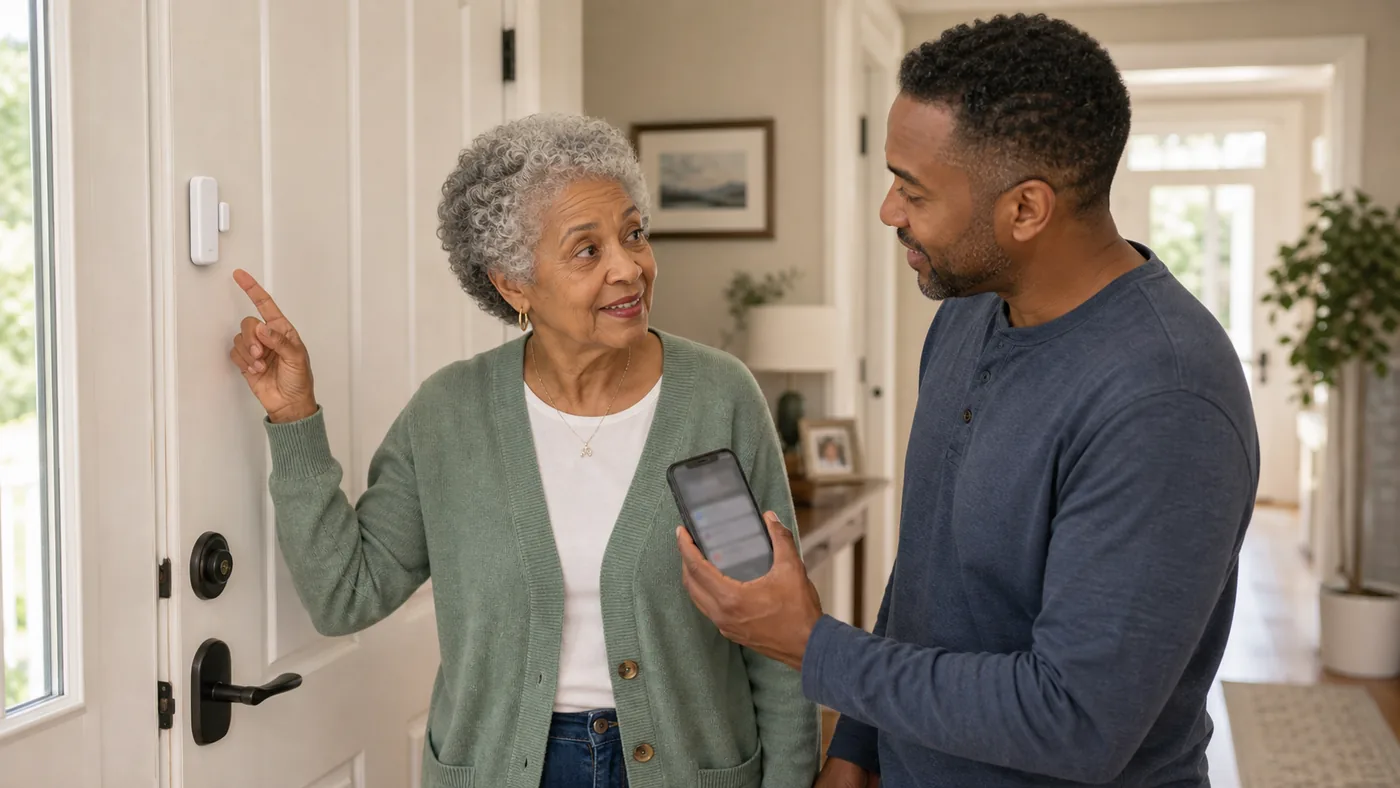
Use door sensors for specific patterns: nighttime exits, wandering risk, missed arrivals, or caregiver check-ins. Do not use them as quiet surveillance.
When possible, explain the sensor and agree on who receives alerts. For dementia-related risk, use the least intrusive tool that solves the safety problem.
Door Sensor Direction by Use
| Situation | Best direction | Why it helps | Check carefully |
|---|---|---|---|
| Nighttime exit risk | Door sensor with caregiver alert | Can alert before someone gets far from home | False alerts, response speed, battery |
| Routine check-ins | Entry sensor or activity pattern | Shows whether normal activity happened | Privacy, alert fatigue, interpretation |
| Smart home household | Ecosystem-compatible contact sensor | Works with lights, routines, and notifications | Hub, Wi-Fi, app maintenance |
| Memory concerns | Sensor plus written response plan | Supports safety without constant camera use | Consent, dignity, escalation steps |
Door-open alerts
A simple door-open alert can be enough when the problem is leaving at unsafe times.
Good fit when
- There is a known exit risk.
- A caregiver can respond quickly.
- Battery checks are scheduled.
Watch out for
An alert without a responder is not a safety plan.
Sensors before cameras
Contact sensors can answer a narrow question without recording video.
Good fit when
- The goal is door status, not visual monitoring.
- Privacy is a concern.
- The user accepts the setup.
Watch out for
Sensors still collect behavior data and should not be hidden casually.
Smart lighting routine
A door sensor can turn on lights or trigger reminders, not only alarms.
Good fit when
- Nighttime routes are dark.
- The user benefits from automatic lighting.
- The smart home is maintained.
Watch out for
Too many routines can make troubleshooting confusing.
Setup Checklist
- Name the door: front, back, garage, basement, or bedroom exit.
- Assign alert ownership: one person should know they are first responder.
- Test false alarms: pets, wind, guests, and caregivers can trigger alerts.
- Check batteries: schedule replacement before alerts fail.
- Respect privacy: explain the purpose and limit access.
FAQ
Are door sensors better than cameras?
Often they are less intrusive for simple door-status questions.
Do door sensors prevent wandering?
No. They can alert caregivers, but they do not physically prevent leaving.
Should sensors be hidden?
In most cases, no. Transparency is better when the person can understand the setup.
Do door sensors need a subscription?
Basic open-close alerts usually work without one, but recorded history, professional monitoring, and some notification features often sit behind monthly plans. Before buying, decide who receives alerts and check whether the free tier covers it; five sensors plus monitoring can cost more than the hardware within two years.
Where should door sensors be placed for aging in place?
Prioritize the exterior doors first, especially the front door and any door to a garage or backyard, then interior doors that signal routine: the bedroom opening at night, a bathroom door staying closed too long. Start with two or three sensors tied to specific worries instead of instrumenting the whole house.
Can door sensors help with dementia wandering?
Yes, they are one of the most dignified tools for it. A contact sensor on the bedroom or front door can alert a caregiver the moment it opens at 3 a.m., without cameras or constant check-ins. Pair the alert with a response plan: who gets the ping, how fast they can arrive, and where the person likely goes.
Quick Answer: When Do Door Sensors Help an Older Adult?
Door sensors are worth installing when a specific door-related pattern creates risk: nighttime exiting, wandering with dementia, missed arrivals or check-ins, or a door that should stay closed but does not. A sensor that alerts a named caregiver is the right tool; the same sensor used to quietly monitor an older adult is the wrong use of it. Decide the alert route first, then the device.
Choose by the situation
- Nighttime exits or wandering risk: a contact sensor on the exit door with a pager or phone alert to the caregiver on duty; place it where it cannot be bypassed through another door.
- Missed arrivals or check-ins: a sensor on the main entry that confirms the day’s first opening, so a missed morning is caught instead of noticed too late.
- A door that must stay closed: alarm-style contact sensors on exterior or hazardous doors where the goal is an immediate sound, not a phone notification.
When a door sensor is the wrong choice
Skip door sensors if there is no person able to receive and respond to the alert, if the real problem is falling inside the home rather than leaving it, or if the older adult has not agreed to the monitoring and it would damage trust. In those cases a medical alert device, motion lighting, or a consent-based check-in routine solves the actual problem better.
Evidence and limits: Product capability details vary by model and region; this guide does not claim hands-on testing of every unit. Wandering-behavior guidance follows the Alzheimer’s Association wandering guidance, and the privacy rules follow FTC online privacy and security advice; both were checked in September 2026. The candidates in the comparison table below are labeled examples, not tested winners.
2026 product decision layer
Real Products to Compare Before You Buy
These are comparison candidates, not affiliate picks. Recheck current price, plan terms, coverage, and return policy before adding any buying link.
| Candidate | Best fit | Why it belongs in the comparison | Watch before buying |
|---|---|---|---|
| Ring Alarm contact sensors or Retrofit Kit | Alexa households adding doors and windows to an existing setup | Low per-sensor cost, works with Echo speakers for announcements, and optional professional monitoring | Hub requirement, subscription tiers for alerts and history, and sensor battery replacement |
| Wyze contact sensors | Tight budgets that still want core door alerts | Very low price per sensor, simple app, and loud optional sirens | Hub required; past company security incidents make privacy a real conversation; limited integrations |
| Eufy Security sensors and HomeBase | Privacy-first households | Local storage without a mandatory cloud subscription and solid build quality | Smaller ecosystem than Ring; verify which family members get app access and how alerts route |
| Philips Hue motion and contact sensors | Homes already lighting-first for aging in place | Excellent for turning on lights when a door opens at night instead of sounding alarms | Expensive for pure security use; best as lighting automation with a security bonus |
| Echo Show as the alert hub | Caregivers who want a visible status panel | Sensors announce through a display family actually sees, plus Drop In for a quick visual check-in | Privacy settings and who can view; the display is a hub, not a replacement for a response plan |
Price and plan terms to recheck before linking
- Contact sensors are questions (did the door open?), not answers: pair every sensor with a decision about who responds and when.
- Avoid camera-first thinking for dementia care: door sensors plus a response plan usually respect dignity better than hallway cameras.
- Subscription math matters: five sensors plus monitoring can exceed the cost of the hardware within two years.
Best editorial recommendation
Start with two to three contact sensors on the highest-risk doors plus an Echo speaker for announcements. Choose Ring for ecosystem simplicity, Eufy for privacy, Wyze only if budget is the binding constraint.
When do door sensors help – and when do they not?
Direct answer: door sensors help when a specific risk exists (wandering, unsafe exits, missed check-ins) and a named person responds to each alert; they do not help as a general security layer for cognitively healthy older adults. Conditions: consent, privacy agreement, and a defined response come before installation; five sensors plus monitoring fees can exceed hardware cost within two years. Limits: a sensor reports a door opening – it does not prevent an unsafe exit or replace supervision. Source: NIA dementia home-safety guidance (2026), updated 2026-09-28.